
The Claudette guide
Claudette puts Claude Code in a real desktop window: every session in its own tab, every change ready to review, and your plan’s usage on screen the whole time. Each tab runs the real claude, with your settings, CLAUDE.md, MCP servers, hooks and permissions. This guide shows how to use every part of it.
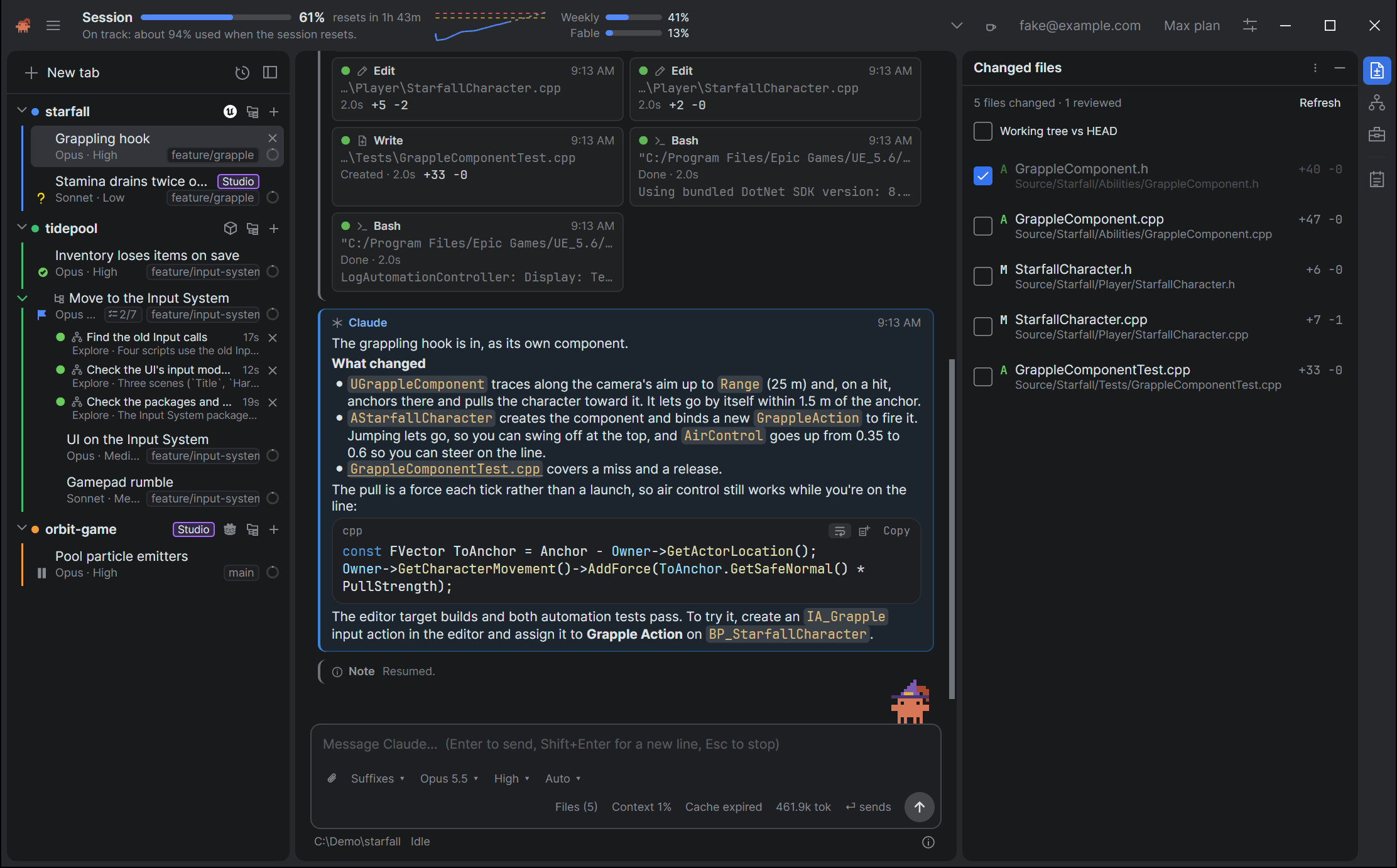
Where to start
- New to Claudette? Getting started takes you from installing it to your first tab, with a tour of the window. On Linux, start with Installing on Linux.
- Running a lot of sessions? Tabs and sessions and Threads.
- Want to know what Claude did? The conversation and Reviewing changes.
- Watching your plan? Usage and limits.
- Looking for a key or a setting? Reference and Every setting.
- Have a question? Ask on dotBunny’s Discord. Something wrong? Reporting an issue.
What’s in it
| Section | Chapters |
|---|---|
| Getting started | What you need, installing, signing in, your first tab, and a tour of the window. |
| Sessions | Tabs and sessions, The conversation, The composer, Permissions and prompts, History and syncing. |
| Agents and threads | Plans, tasks and agents, Threads. |
| Code and changes | Reviewing changes, Project files, Project tools. |
| Usage and accounts | Usage and limits, Accounts. |
| Make it yours | Settings, Away from your desk, Claudette. |
| Help | Updates, Troubleshooting, Privacy and your data, Reference. |
What changed in each version is in the changelog.